 Discord
v0.2.2 · Script library and skill tutorial
Your bot can now start from a library of ready-made scripts, a tutorial walks you through your weapon's skills, and a new panel shows what your bot is doing. This post also covers 0.2.1.
New
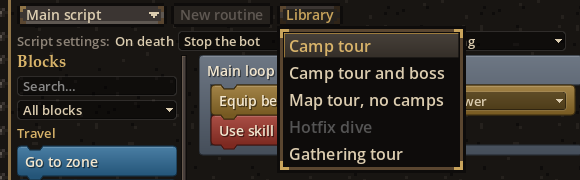
- Library — The editor's Library menu has five ready-made scripts built for your save: Camp tour; Camp tour and boss; Map tour, no camps; Hotfix dive; Gathering tour.
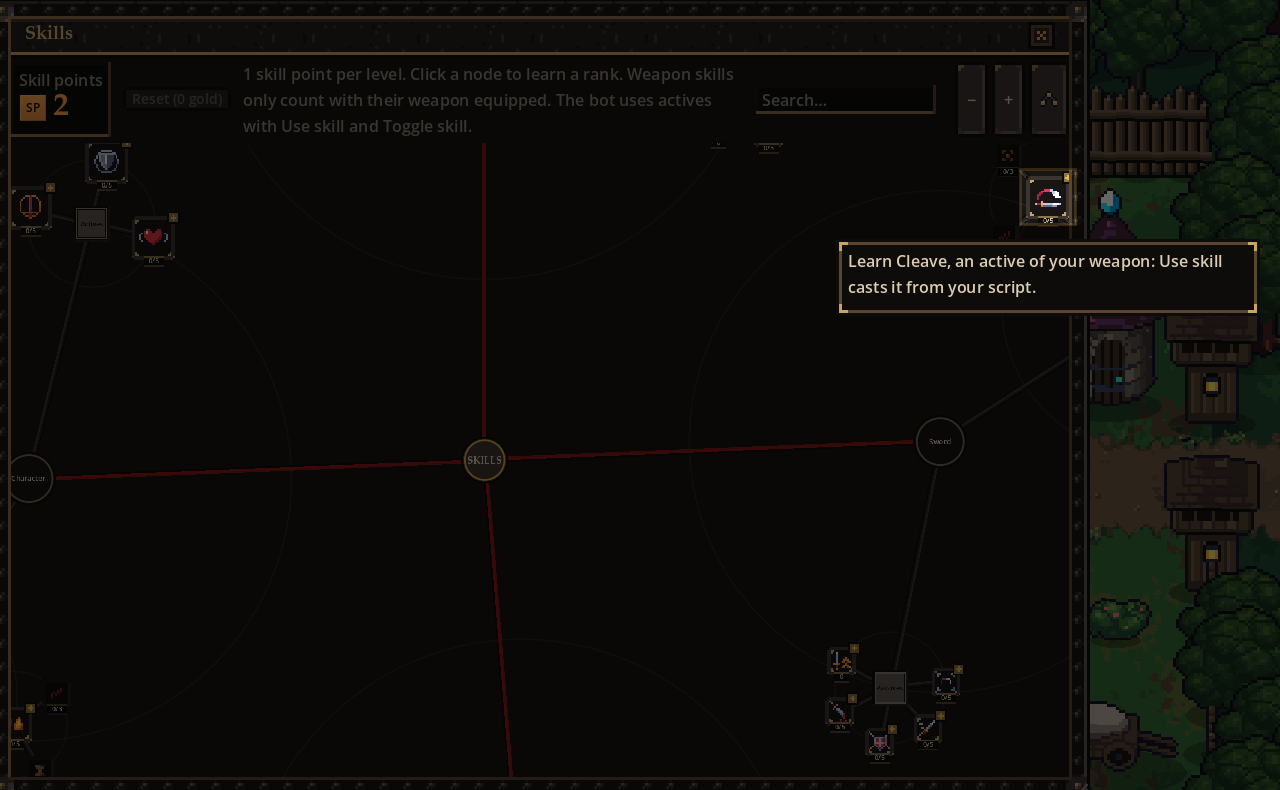
- Skill tutorial — Until you know your weapon's active skills, each skill point opens the tree and circles the next one, its stance last. Then the choice is yours.
- Splash screen and icon — Since 0.2.1, the game loads on its own artwork instead of the engine's logo, and has its own icon in the window and the browser tab.
Changes
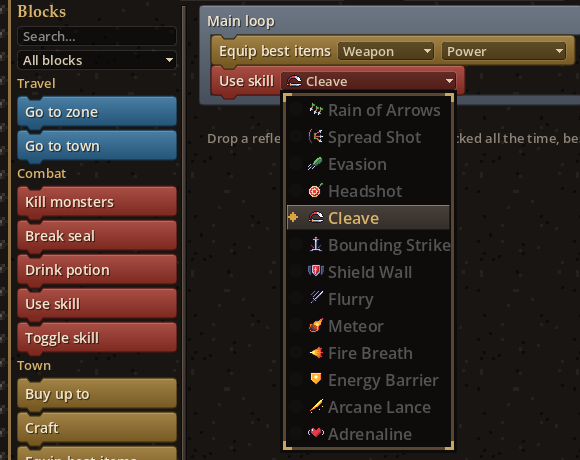
- Skill blocks — Use skill, Toggle skill, Skill ready and Skill active only offer the skills you have learned. The others are greyed out.
- Equip best items — Two new settings: Slots (all, or just one) and Best for (the item score, or the most of a main characteristic). Older scripts work as before.

- Zone panel — A panel at the top left shows the place, its camps and seals, and the block your bot is running, lit up each time it changes.
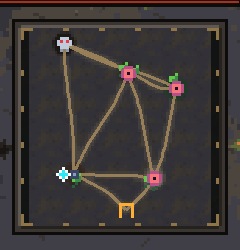
- Minimap — The minimap now shows the zone's ground in miniature, a little darker so the markers stand out.
- Fullscreen — On PC, the game now opens in borderless fullscreen by default. F11 or the settings switch back to a window.
Fixes
- Late in the game, loot was almost all legendary. The rarity bonus from Prospection now levels off toward a cap instead of growing without limit.
- In the browser version, some symbols showed as empty boxes. They are now icons.
- Thin letters no longer drop out when the interface is scaled down: "K ll monsters" is Kill monsters again.
Found a bug? Post it in #bug-reports. Got an idea? #suggestions.
All posts